History and pipelines
The HISTORY tab lists the branch's commits and the status of the GitLab pipeline each one started. This is where you follow a build or a deployment, read the logs of a failed job and review the files a commit changed.
HISTORY tab of any branch (prod, staging, dev, migration). Available to every collaborator on the project.
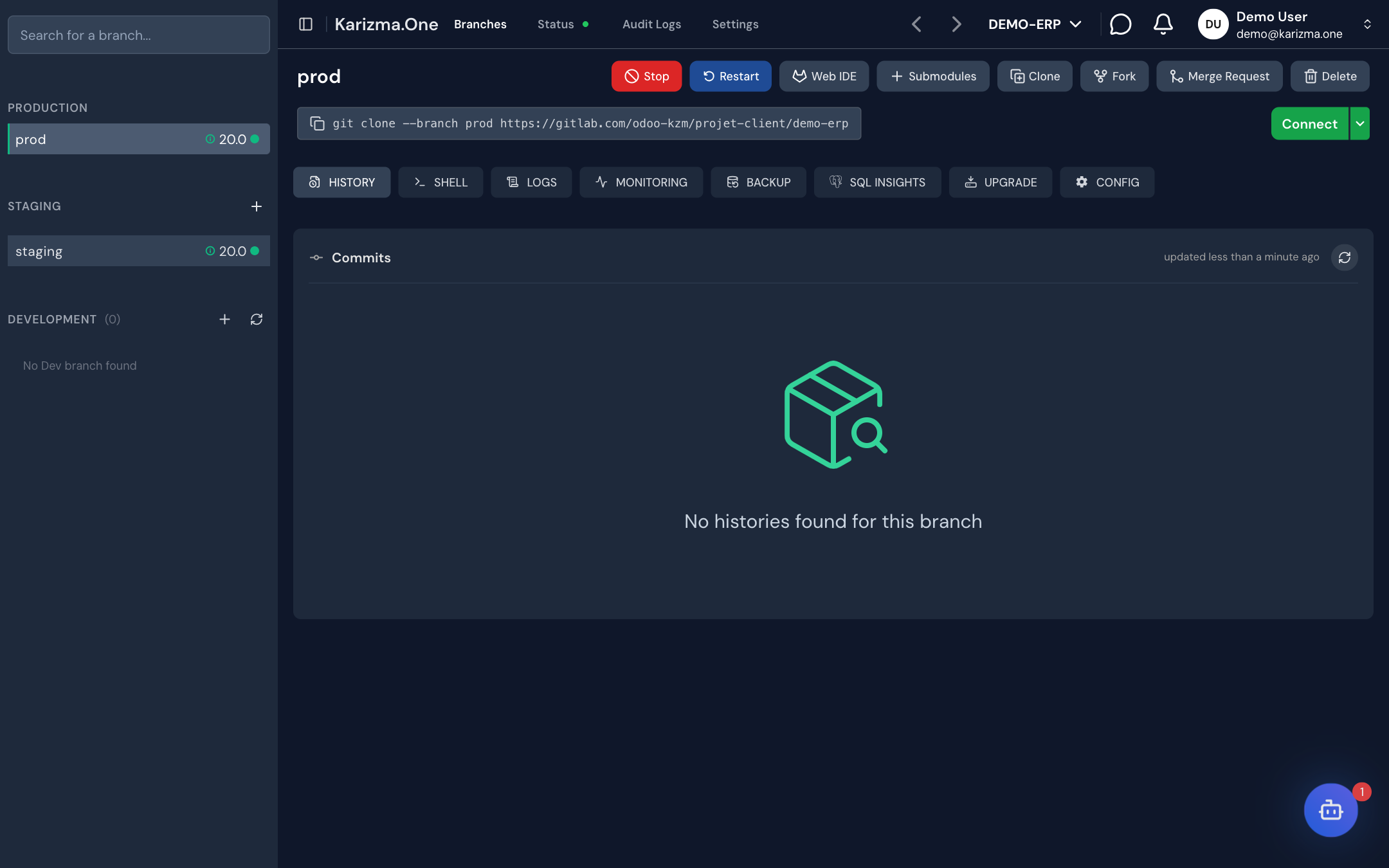
Read the commit list
The header shows Commits with the number of commits, and when the list was last updated (updated …). The list updates live when a new commit arrives, and it is paginated.
Each commit shows:
- the author (avatar or initials, and name, linking to their GitLab profile when known);
- the relative time of the commit (hover it to see the full date);
- the commit message and SHA: click them to open the commit detail;
- a View on GitLab icon that opens the commit in GitLab;
- on the right, the pipeline status and the related actions.
If a commit pushed to GitLab does not appear, click the refresh button (Refresh commits): Karizma One reads the branch from GitLab again and adds the missing commits. If that fails, the message Could not refresh the commits from GitLab is shown.
Follow the pipeline status
Every commit pushed to a branch starts a GitLab CI pipeline. The jobs shown depend on the branch's stage:
| Branch stage | Jobs shown | Effect |
|---|---|---|
| prod | Build, Mise en prod | The commit is built, then deployed to production. |
| staging | Build, Mise en test | The commit is built, then deployed to the staging environment. |
| dev | Build | The commit is only built. |
The badge on the right of each commit shows the pipeline status:
| Badge | Meaning |
|---|---|
| Created | The pipeline exists but has not started. |
| pending / running (with a spinner) | The pipeline is waiting or running. |
| canceled / skipped | The pipeline was canceled or skipped. |
| Failed | At least one job failed. |
| Success | The pipeline finished successfully. |
As long as the status is not final, click the badge to check the current status on GitLab again (Click to check the current status on GitLab).
Read a job's logs
- Click the pipeline logs icon next to the badge. The Pipeline Jobs menu lists the jobs (Build, Mise en test, Mise en prod) and their status.
- Click a finished job to open its logs. A job still running shows Logs disponibles une fois le job terminé (logs available once the job has finished).
- In the log window, click Exporter to download the log as a
.txtfile.
Cancel or retry a pipeline
The actions offered depend on the pipeline status:
| To… | Do this… | Possible when |
|---|---|---|
| Stop a pipeline | Click the Cancel the running pipeline icon. | The pipeline is pending or running. |
| Retry a canceled pipeline | Click the Retry this pipeline icon. | The pipeline was canceled. |
| Retry a single job (for example a failed build) | Open the Pipeline Jobs menu and click the job's Retry job icon. | The job has finished (failed, canceled, succeeded or skipped) or is manual. |
There is no separate "redeploy" button. To run a deployment again, retry the relevant job from Pipeline Jobs, or push a new commit to the branch.
Review the changes in a commit
Click a commit's message or SHA to open its detail:
- Header: the message title and body (Show more / Show less), the SHA with a Copy button, a View on GitLab link, the author, the date and the number of files changed.
- Changed files (left): the tree of changed files, each with its added and deleted lines and a badge: Added, Deleted, Renamed, Modified, Binary or Submodule.
- Comparison (right): the file before (Before) and after (After) the commit.
The comparison toolbar lets you:
- jump to the previous or next change;
- switch between Split (side by side) and Inline (single column);
- fold unchanged lines (Unchanged);
- ignore or show whitespace differences (WS ignored / WS shown).
Binary files and submodule pointers are not compared line by line.
See also
- Deployments for the build, staging and production cycle.
- Web IDE to edit code and commit from the browser.
- Merge requests to move changes from staging to production.