Sign in
Karizma One has no passwords of its own: you sign in with an existing Google, Microsoft, GitLab or GitHub account. Your Karizma One account is created automatically the first time you sign in.
Sign-in page: https://app.karizma.one/signin. Open to everyone. If you are already signed in, you are sent to your projects.
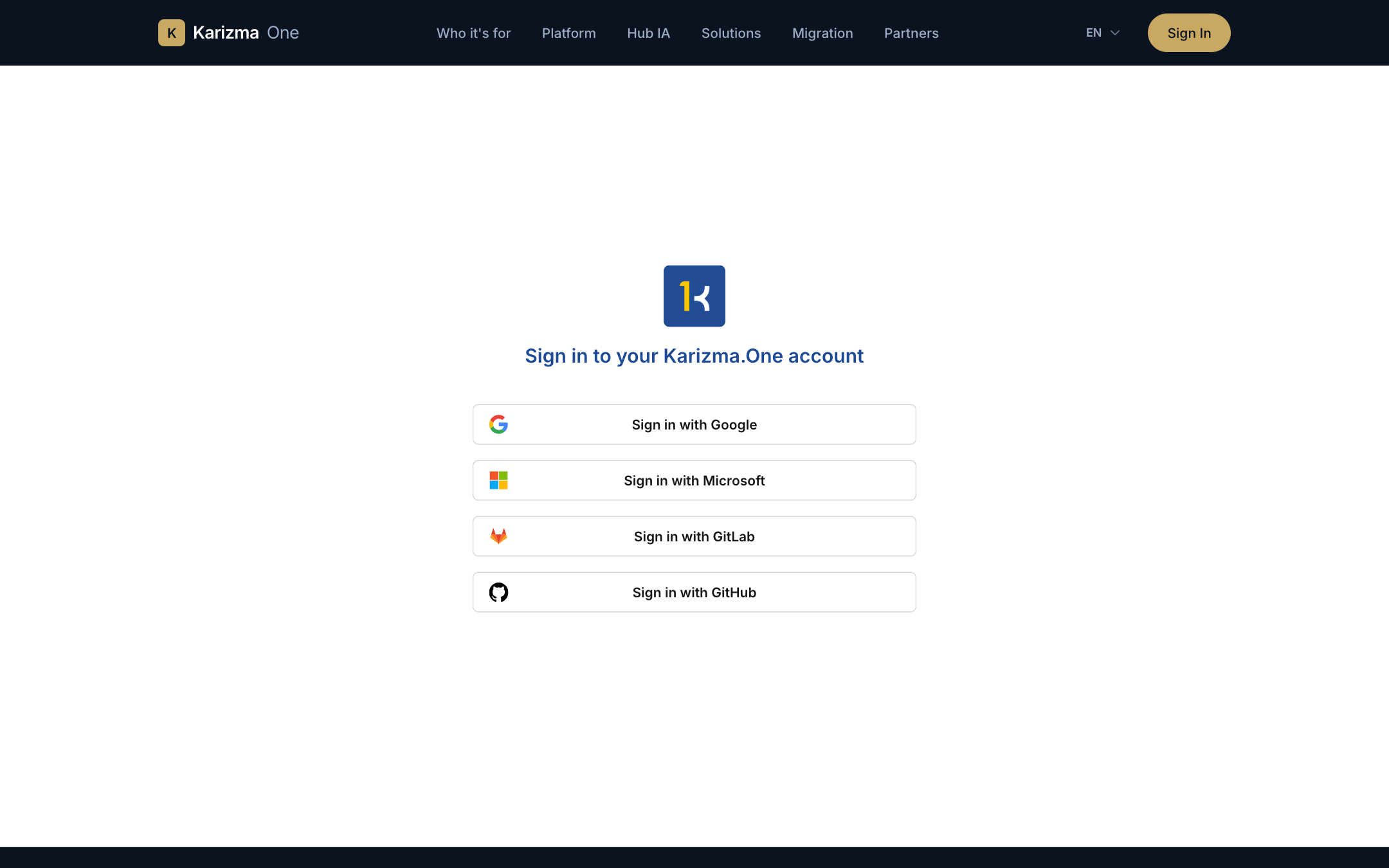
Sign in
- Open the Sign in to your Karizma.One account page.
- Click your provider's button: Sign in with Google, Sign in with Microsoft, Sign in with GitLab or Sign in with GitHub.
- A popup window opens at the provider. Sign in and allow access; the popup closes by itself.
- You land on the page you were trying to open, or otherwise on Your projects.
If nothing opens and the message Failed to open popup. Please check your popup blocker settings. appears, allow popups for app.karizma.one, then click the button again.
First sign-in
There is no sign-up form and no password to choose. The first time you sign in:
- your account is created from the provider's details (name, email address);
- you receive a welcome email.
If an account already exists with the same email address and the provider confirms that address is verified, the sign-in is attached to that existing account.
A new account does not see any project yet. To access an existing project, contact your Karizma representative so they add you as a collaborator: this is only possible once you have signed in at least once.
To sign in with Google, Microsoft, GitLab or GitHub interchangeably, link the other accounts from your profile, under Connected Accounts.
Common error messages
| Message | Cause | What to do |
|---|---|---|
| Your … account's email is not verified by the provider… | The provider does not confirm that your email address is verified. | Sign in with your usual provider first, then link this new provider from your profile. |
| Your email is already associated with a different … account. | Your address is already linked to another account at this provider. | Sign in with the account that is already linked. |
| You do not have permission to access this application. | Your account is not allowed on Karizma One. | Contact your Karizma representative. |
| Please refresh the page and try again. | The sign-in was interrupted or timed out. | Reload the page and start again. |
Session expired
When your session expires, you are taken back to the sign-in page with the banner Your session expired. Please sign in to pick up where you left off. Sign in again: you return to the page you were on.
Server unreachable
If the server does not respond, a Can't reach Karizma.One window appears over the page. You are not signed out: the application keeps retrying on its own (countdown Retrying in …s).
- Click Retry now to try again right away.
- Click Check platform status to open the platform status page.
Sign out
- Click your avatar in the top-right corner.
- Choose Logout.
You are taken back to the sign-in page.