Audit log
The audit log records the sensitive actions performed on the project: who deployed or destroyed a staging, restarted production, restored a backup, logged in to Odoo as another user, and so on. Use it to understand a change or find out who performed an operation.
Audit Logs link in the top bar, inside a project. Limited to the Super Admin and Admin roles; the link does not appear for other roles.
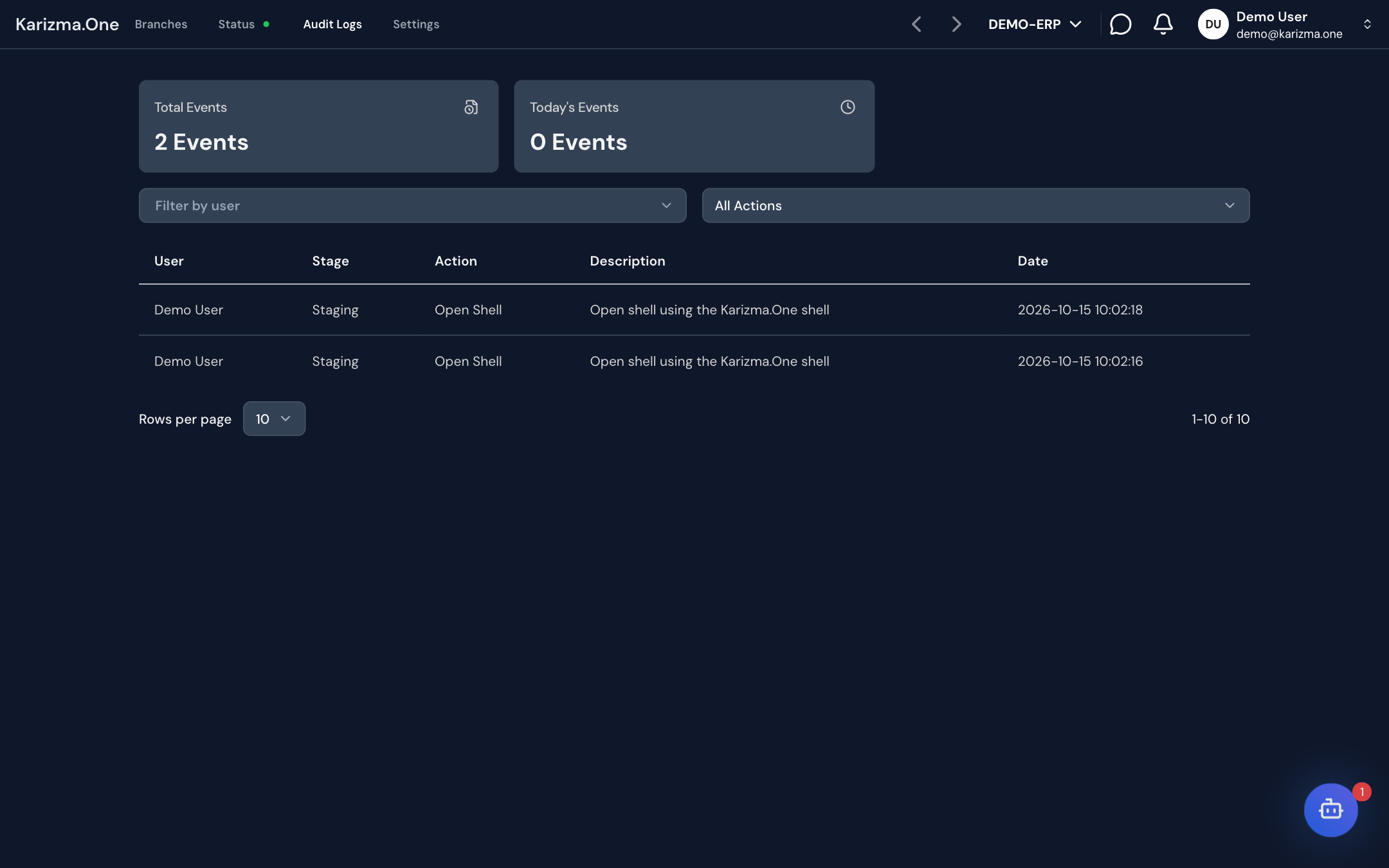
Read the log
At the top of the page, two counters show the total number of events (Total Events) and the number of events today (Today's Events).
The table lists events from newest to oldest:
| Column | Content |
|---|---|
| Date | Date and time of the action. |
| User | Person who performed the action. |
| Action | Type of action (see below). |
| Stage | Type of the branch involved (production, staging…). |
| Description | Details of the action, for example the branch or the Odoo user involved. |
The table is paginated; choose 5, 10, 25 or 50 rows per page.
Filter events
- By user: open Filter by user and search for a person by name or email (Search by name or email...). The list includes former collaborators who left entries in the log.
- By action: pick an action in the list (All Actions by default).
Both filters can be combined.
Recorded actions
| Area | Actions |
|---|---|
| Branches and stagings | Deploy Staging, Destroy Staging, Lock Staging, Unlock Staging, Merge request, Branch Migration |
| Server | Restart Container, Stop Container, Update Odoo Image |
| Access | Connect As User, Open Shell, IDE Commit |
| Backups | Restore backup, Download Backup |
| Collaborators | Collaborator Added, Collaborator Removed, Collaborator Updated, Submodule Request Approved, Submodule Request Rejected |
| Domains | Update default domain, Update staging branch domain, Delete custom domain |
This list covers the main actions; others may appear.
The log can only be viewed on screen: there is no export.