Service status
Karizma One continuously monitors server availability. The Status link in the top bar tells you at a glance whether your project's Odoo service responds, and the Status page shows the platform's availability dashboard.
Status link in the top bar, inside a project. Open to all collaborators. The Add New Monitor button is limited to the Super Admin and Admin roles.
Read the status dot in the top bar
Next to the Status link, a coloured dot sums up the project's state:
| Dot | Meaning |
|---|---|
| Green | The project's Odoo service is working. |
| Red | The project's Odoo service is reported down. On hover, the tooltip reads Odoo service is Down. |
If the dot is red, check the production branch on the project page and its logs. If the problem persists, contact your Karizma representative.
View the availability dashboard
Click Status in the top bar. The Real-Time Server Status & Availability Dashboard page opens.
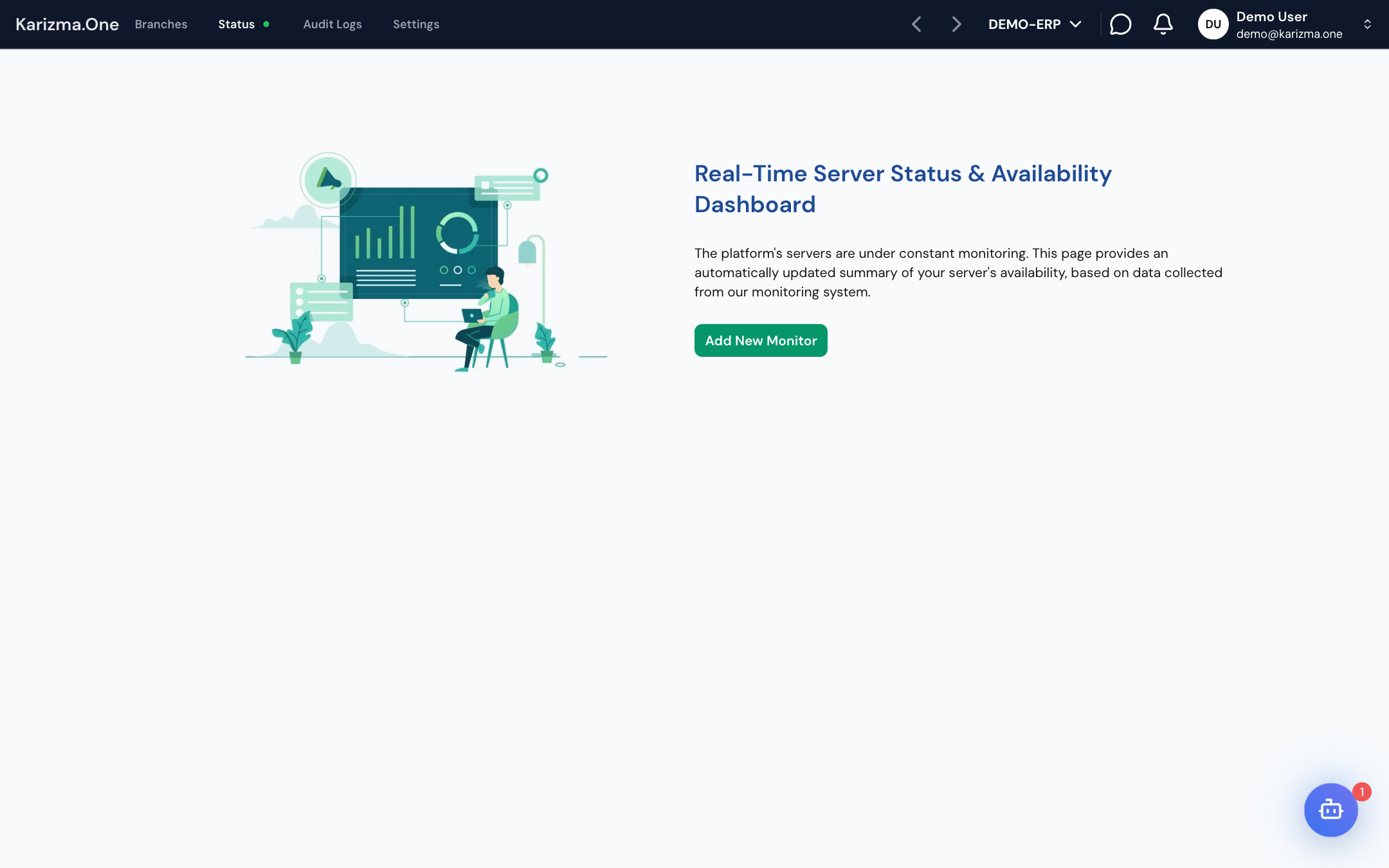
- If the project is not monitored yet, the page shows the Add New Monitor button. Click it to enrol the project in availability monitoring.
- Once the project is monitored, the page shows the Monitoring Dashboard, updated automatically.
The dashboard shown is the Karizma One platform status page (https://uptime.karizma.one/status/karizmaone). It is the same for every project: it is not a dashboard specific to your project. To follow your own instance's resources (CPU, memory, traffic, requests), use the branch's MONITORING tab.